












A Simple Script for Ending Toddler Screen Time Calmly
Written by I AM EXPANSION Editorial Team
Published September 2026
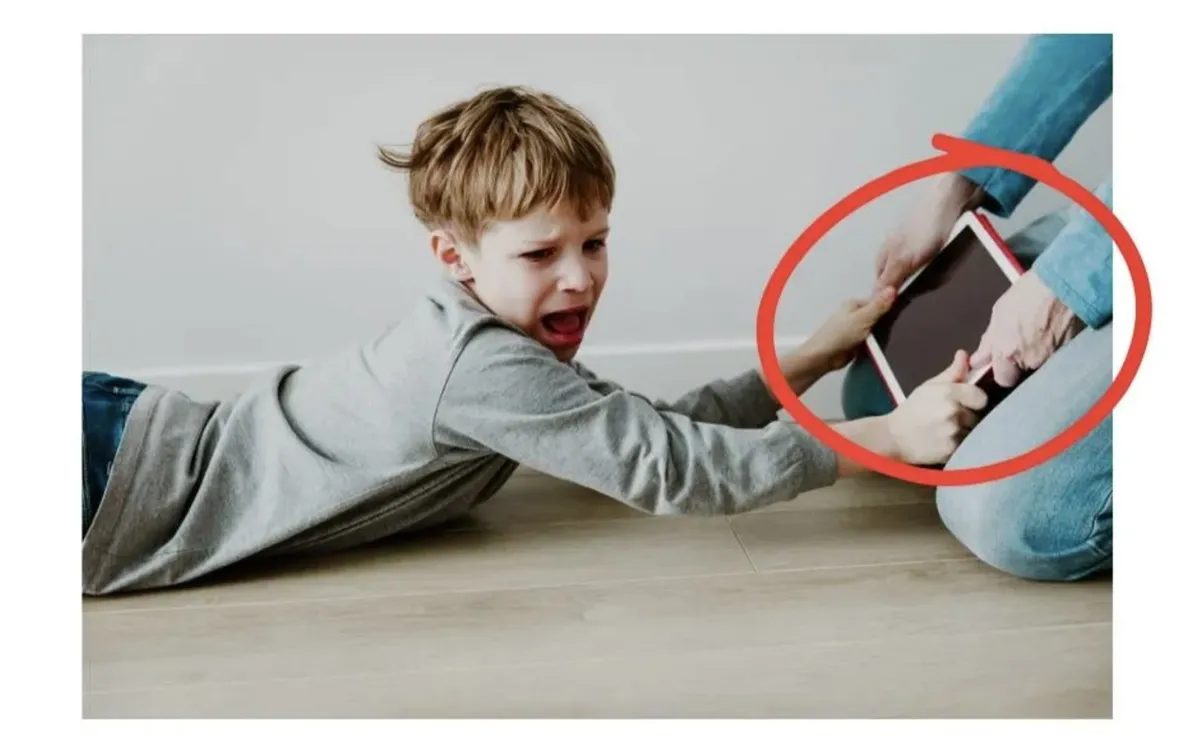
The short answer: Give one brief warning, tell your child what will happen next, and keep the same limit when the timer ends. Say: “One more minute, then the tablet rests. You can choose bath or blocks.” When time is up, say: “Screen time is finished. Bath or blocks?” If your child protests, acknowledge the feeling without reopening the negotiation: “You’re upset. The tablet is resting.”
You announce that screen time is over. Your toddler grips the iPad, asks for one more video and begins to cry before you have finished the sentence.
You repeat yourself. They become louder. Then “one more minute” quietly turns into ten because you need to cook dinner, leave the house or simply stop the argument.
This does not mean you are a bad parent—and one difficult transition does not prove that your child is “addicted” to screens. Toddlers are still learning how to stop an enjoyable activity, cope with disappointment and move from one part of the day to another.
The goal is not to find a magic sentence that guarantees there will never be tears. It is to make the ending clearer, calmer and more predictable.
Why Can Ending Screen Time Feel So Difficult?
A screen offers fast-moving entertainment with no natural shortage of “next” videos, levels or episodes. When it suddenly disappears, your child is not only losing the device. They are also being asked to stop something highly engaging, manage a strong feeling and work out what to do next.
That is a lot for a young child to process at once.
A timer may announce the ending, but it does not answer your toddler’s next question: “What happens now?”
That is why the most useful script includes both the limit and a simple next step.
The Three-Part Toddler Screen-Time Script
1. Give One Short Warning
Before the screen ends, move close enough for your child to hear you and say:
“One more minute, then the tablet rests. You can choose bath or blocks.”
Use a visual or audible timer if it helps your child understand the transition. Keep the warning short. This is not the moment for a lecture about eyesight, sleep or family rules.
If possible, offer two realistic next activities. A small choice gives your child somewhere to direct their attention without changing the boundary.
2. End the Screen With the Same Message
When the timer finishes, avoid adding a new deal:
“Screen time is finished. Bath or blocks?”
Turn off or put away the device and begin moving towards the next activity. Your tone can be kind and matter-of-fact. You are not asking whether screen time should end; you are offering a choice about what happens after it ends.
3. Acknowledge the Feeling Without Restarting the Debate
If your child cries, shouts or asks again, reduce your words:
“You’re upset. You wanted more. The tablet is resting.”
Then repeat the next choice:
“Bath or blocks?”
Acknowledging disappointment does not mean changing the decision. Your child can be unhappy about the boundary while you continue to hold it calmly.
The Complete Script in One Conversation
Parent: “One more minute, then the tablet rests. You can choose bath or blocks.”
Timer sounds.
Parent: “Screen time is finished. Bath or blocks?”
Child: “No! One more!”
Parent: “You wanted more. You’re disappointed. The tablet is resting.”
Child: “iPad!”
Parent: “The tablet is resting. Bath or blocks?”
The power of the script is not clever wording. It is the predictable pattern: warning, ending, next step and calm repetition.
What to Prepare Before the Screen Starts
The easiest screen-time ending often begins before the device turns on.
Decide how the session will end: after one episode, when the timer sounds or at a specific routine point.
Tell your child the limit before pressing play.
Choose a realistic next activity in advance.
When possible, finish at a natural stopping point rather than halfway through an episode.
Keep the device out of sight once the session ends.
You do not need to organise an elaborate craft every time. The next step can be ordinary: snack, bath, blocks, helping with dinner, going outside or choosing a book.
What Usually Makes the Battle Longer?
Repeating “One More Minute” Several Times
Multiple warnings can accidentally teach your child that the first ending is not the real ending.
Asking a Question When It Is Not a Choice
“Can you turn it off now?” sounds optional. If the decision has already been made, use a calm statement instead.
Explaining Too Much During the Protest
A distressed toddler is unlikely to absorb a long explanation. Use fewer words now and discuss family screen rules later, when everyone is calm.
Inventing a Bigger Threat
“You will never use the iPad again” may be difficult to maintain and can turn one transition into a much larger power struggle.
Giving the Device Back Only to Stop the Crying
Every family has hard moments, and consistency will not be perfect. But if protest regularly restarts the screen, the ending becomes less predictable. Reset the routine at the next opportunity rather than blaming yourself or your child.
What If a Meltdown Still Happens?
A script cannot guarantee a calm reaction. If your toddler becomes overwhelmed:
Make the space safe.
Keep your voice and words as steady as you can.
Repeat the limit rather than creating new arguments.
Help your child move towards the next familiar activity.
Review the timing later—hunger, tiredness, an abrupt ending or an unrealistic next activity may have made the transition harder.
Do not shame your child for struggling. The boundary can stay firm while your response remains supportive.
If screen transitions involve severe or persistent aggression, major sleep disruption, developmental concerns or risks to family safety, seek guidance from an appropriately qualified health professional.
How Much Screen Time Is Recommended for Young Children?
The Australian Government’s current guidance recommends no sedentary screen time for children younger than two, and no more than one hour a day for children aged two to five, with less being better. It also recommends keeping screens out of bedrooms and avoiding them before sleep.
Time is not the only consideration. Australia’s eSafety Commissioner advises families to consider the quality of the content, a child’s age and needs, parental involvement and whether screen use is displacing sleep, exercise or face-to-face connection.
Use local guidance and adapt decisions to your child’s development, accessibility needs and family circumstances.
Frequently Asked Questions
Should I Use a Timer to End Toddler Screen Time?
A timer can make the ending more predictable, but it is not a complete solution. Pair it with a brief warning and a clear next activity so your child knows what the sound means and what happens afterwards.
What If My Toddler Ignores the Timer?
Move close, repeat the ending once and help transition away from the device. Avoid shouting the same instruction from another room or beginning a long negotiation.
Are Educational Apps Different?
Content quality matters, but an educational label does not remove the need for boundaries. For young children, watching or playing together and talking about the content can make the experience more meaningful.
Do I Need to Ban Screens Completely?
Not necessarily. A realistic family plan can define when, where and why devices are used. Sudden removal without a transition plan or appealing alternatives can create more conflict without building healthier habits.
Should I Use the Exact Same Words Every Time?
The wording can sound natural to your family. Keep the structure consistent: one warning, a clear ending, a next step and calm repetition.
One Script Can Change a Moment. A Plan Changes the Pattern.
This script gives you words for one difficult transition. But if your entire day now revolves around when the iPad comes out, how long it stays on and what happens when it turns off, your family may need more than a timer and one prepared sentence.
Digital Detox Formula — For Kids provides a gentle 21-day family reset for reducing screen dependence gradually, creating more predictable boundaries and making real-world play easier to choose—without banning every device or expecting perfect behaviour.
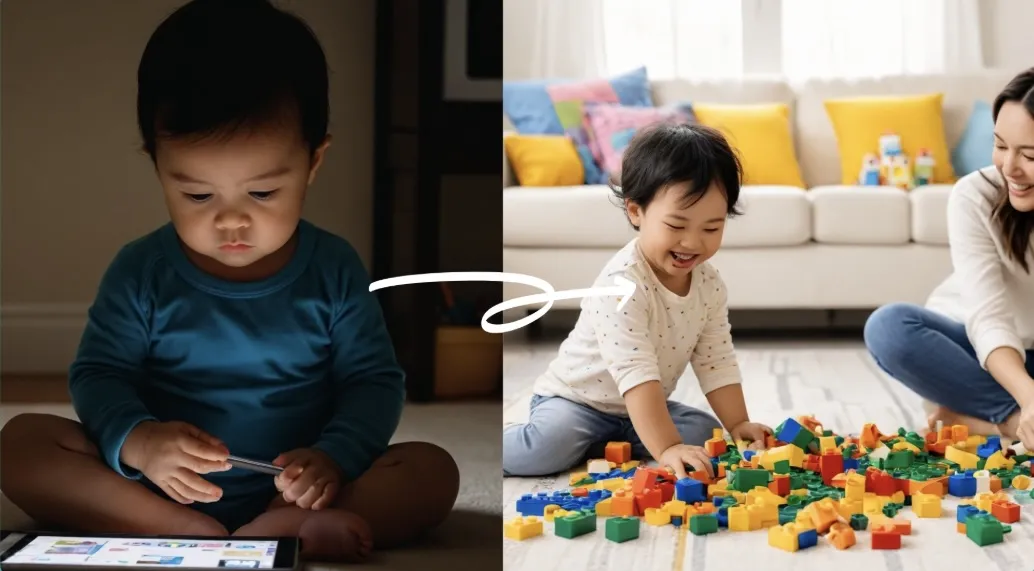
Begin your expansion today.
The right knowledge can change the way you think.
The right action can change the way you live.
Choose your guide and take your next step.

Integrity
Honesty and transparency.

Innovation
Fresh, creative solutions.

Excellence
Top-notch services.

The practical life-solutions library
for becoming your best self.
Expand your mind. Transform your life.
FOLLOW US


Copyright © 2026 I Am Expansion. All Rights Reserved.